
Work
One appreciation program for every relationship that matters
Clients, placed candidates, volunteers, board members, and partners all deserve thanks too. How to thank them all from one program.
· 3 min read

The most reliable way to run recognition is to connect it to your payroll or HR system. Birthdays, hire dates, and new hires flow in on their own, and nobody maintains a separate spreadsheet.
It is also the step that makes IT, security, and sometimes employees nervous. Will this tool have our Social Security numbers? Why does a gift program need access to payroll at all? Those are fair questions, and they have short answers.
To run birthdays, work anniversaries, and the other common occasions, a recognition tool needs a small set of fields:
| Data | Why it is needed |
|---|---|
| Name | To address the gift and the note |
| Work email | To send notices, and to let the recipient choose a gift |
| Birthday | To know when the birthday occasion falls |
| Hire date | To know when work anniversaries and milestones fall |
| Department, title, and employment status | To decide who is included in each occasion, and to stop when someone leaves |
| Shipping address | To deliver physical gifts to the person’s home |
That is the core. Some programs add a location field to group people. Very little beyond that.
A recognition tool has no reason to use:
If a vendor asks for access that covers any of these and cannot explain why, treat that as a warning sign.
Some employees are uncomfortable with a company knowing or celebrating their birthday, and some are sensitive about their age. A birthday occasion only needs the month and day. Ask any vendor whether the birth year is shown to anyone, and to whom.
Plan for the people who would rather not be celebrated at all. Some do not mark birthdays for personal or religious reasons, the same way some do not celebrate the December holidays. A good program lets you leave someone out of one occasion without removing them from everything else.
Bring these to the security review:
Some organizations cannot or will not connect payroll directly. Maybe there was a recent security incident, or the HR system is homegrown, or the payroll provider has no connector. That should not stop a recognition program.
A spreadsheet export with the fields above works. Import the people you want to include, add new hires, and deactivate people when they leave. Re-importing a file should not be assumed to remove people who are absent from it. It adds a manual step, so decide who owns the roster and how often it is reviewed, but it keeps the data you share to exactly what you choose.
Employees do not need a security review, but they deserve a plain explanation. A short note when the program launches goes a long way: what the program is, which information it uses (name, birthday, hire date, a home address for gifts), what it does not use, and who to contact with questions. People are much more comfortable when they hear it from you first than when they find out later.
Thankscrate connects to payroll and HR systems read-only and uses only what it needs to run your program: names, work emails, birthdays, hire dates, titles, departments, employment status, and shipping addresses. It does not use compensation, tax IDs, or bank details. See how our integrations work.
Work
Clients, placed candidates, volunteers, board members, and partners all deserve thanks too. How to thank them all from one program.
· 3 min read

Work
Managers know what makes a moment personal and have the least time to act on it. Give them the part only they can do, and take away the rest.
· 3 min read

Work
How staffing and recruiting firms can thank placed candidates and the clients who hire them: the moments that matter, the rules to mind, and what to write.
· 4 min read
The Good Human Company Podcast
Founders, HR leaders, and operators on recognition and culture.
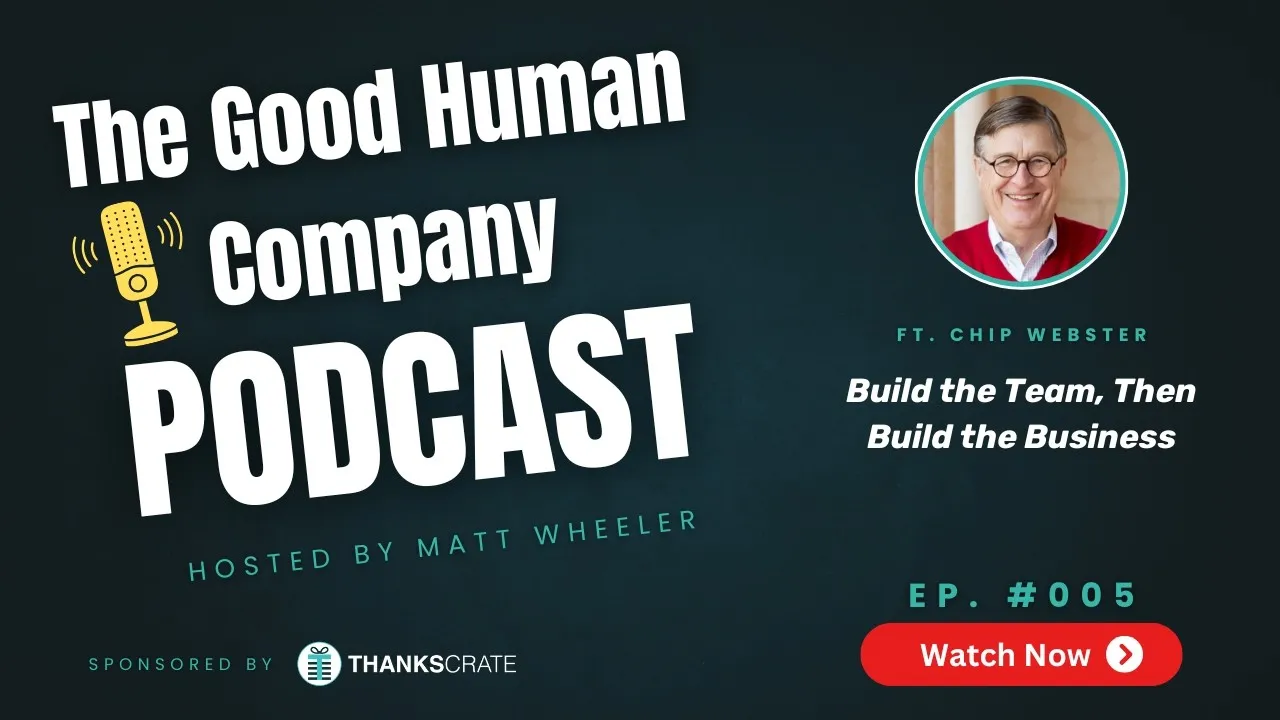
Episode 005
with Chip Webster, Vistage Florida (former)
· 32 min
Thankscrate handles birthdays, work anniversaries, and 40+ other occasions for you.